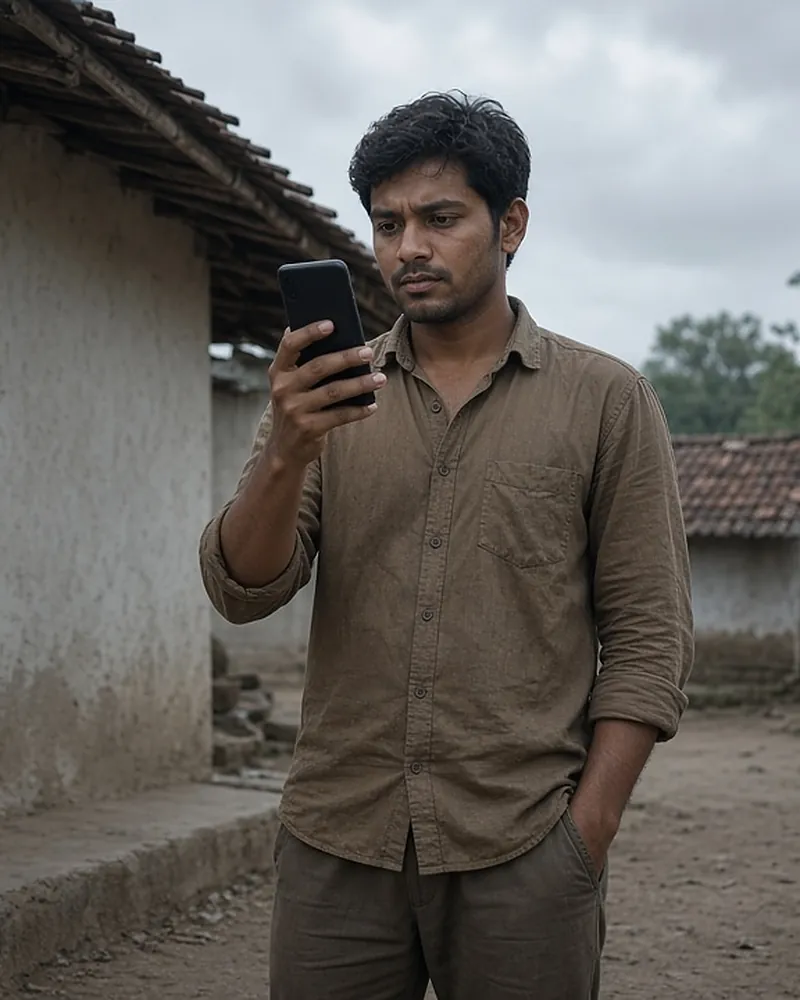
The official PM-KISAN mobile app lets farmers do most scheme tasks on a phone: self-registration, checking the status of payments, and completing eKYC. Its best-known feature is face authentication, which lets a farmer finish eKYC by scanning their face with the phone camera — no OTP and no fingerprint needed. This is a big help for elderly farmers whose fingerprints no longer scan well, and for farmers whose mobile number is not linked to Aadhaar.
Here is how to recognise the real app, how face authentication works step by step, and what to do when it fails.
The official app and how to recognise it
- Name: PM-KISAN
- Publisher: National Informatics Centre (NIC)
- Where: Google Play Store. The PM-KISAN portal links to this listing: PM-KISAN on Google Play
- Package name: com.nic.project.pmkisan
The app was launched on 24 February 2020 as an extension of the PM-KISAN web portal. Face authentication was added in 2023. The official portal links only to the Google Play listing, so the face authentication route described by the Department is an Android route.
Never install a “PM Kisan” app from a link sent over WhatsApp, SMS or social media, or as an APK file. Fake apps can steal OTPs and bank details.
What the app does
| Feature | What it does |
|---|---|
| Self-registration | Register as a new farmer |
| Beneficiary status | See installments, eKYC, seeding |
| eKYC | OTP or face authentication |
| Kisan e-Mitra | AI chatbot help |
| Bharat-VISTAAR link | Bharati assistant |
| Help neighbours | Assist others with face eKYC |
The PIB note of 1 August 2025 describes the app as letting farmers self-register, track the status of benefit transfers, and complete eKYC verification.
Face authentication eKYC step by step
These steps follow the Department’s official note on eKYC modes.
- Install two apps from Google Play: PM-KISAN and Aadhaar FaceRD. FaceRD is UIDAI’s face capture app that the PM-KISAN app uses for the scan.
- Open PM-KISAN and log in with your PM-KISAN registered mobile number.
- You land on the beneficiary status page.
- If eKYC shows No, tap eKYC.
- Enter your Aadhaar number and give consent for the face scan.
- Scan your face when the camera opens. Follow the on-screen instructions.
- When the scan succeeds, eKYC is complete.
The official note says the eKYC status, done through any mode, is reflected in your beneficiary status after 24 hours. You can then check it in the app, in Know Your Status on the portal, or through Kisan e-Mitra.
Helping neighbours with eKYC
The app lets one farmer help others. According to the PIB note of 1 August 2025, farmers can assist up to 100 other farmers in their neighbourhood to complete eKYC at their doorstep using face authentication. The farmer whose eKYC is being done must be present, and it must be their own face that is scanned, with their consent.
This is a useful way for a younger family member, a village volunteer or a Krishi Sakhi to help elderly or less tech-confident farmers without a trip to a CSC. It also saves the ₹15 CSC fee, since face authentication in the app is free.
Face scan tips
- Light: stand facing a window or outdoors in daylight. Avoid strong light behind you.
- Background: a plain wall works best.
- Face: remove glasses, caps and masks. Keep your face fully in the frame.
- Steady: rest the phone on something or ask someone to hold it. Do not move during the scan.
- Follow the prompts: do exactly what the capture screen asks, one step at a time.
- Updates: keep both PM-KISAN and Aadhaar FaceRD updated from Google Play.
- Internet: use a stable connection; the scan fails if the network drops midway.
Common errors and fixes
| Error | Likely reason | Try this |
|---|---|---|
| Cannot log in | Mobile not registered in PM-KISAN | Update Mobile Number on portal |
| FaceRD missing | Second app not installed | Install Aadhaar FaceRD |
| Face not matched | Light, glasses, movement | Retry in daylight |
| Repeated failure | Old Aadhaar photo | Update photo at Aadhaar centre |
| Status still No | 24-hour delay | Wait, then recheck |
| App crashes | Old version | Update both apps |
If face authentication keeps failing, you can still complete eKYC with an OTP on the portal or with a fingerprint at a Common Service Centre for the official fee of ₹15. See all three modes on the PM Kisan eKYC page.
If you cannot log in because your PM-KISAN mobile number has changed, use Update Mobile Number on the portal first.
Reading your status in the app
After you log in, the beneficiary status page brings the important lines together in one place. Look for:
- eKYC — Yes means done; No means use face authentication or another mode.
- Land seeding — Yes means the state has verified your land; No means visit your agriculture office.
- Aadhaar-bank seeding — Yes means your bank account is mapped for DBT; No means visit your bank.
- Installment details — which installments were paid, to which bank, and any that are pending or failed.
If all three lines show Yes and an installment is still missing, raise a query on the Helpdesk – Query Form or call 155261. The payment not received page explains each problem in detail.
Self-registration in the app
New farmers can register in the app as well as on the portal. You will need your Aadhaar, bank details and land details, and in many states a Farmer ID from the state farmer registry. After you submit, the state verifies your land before approval. Full steps are on the new registration page.
When face authentication is not the right choice
Face authentication suits most farmers, but sometimes another mode is quicker. If your Aadhaar photo is many years old, the match may fail repeatedly; updating the photo at an Aadhaar centre, or using fingerprint eKYC at a CSC, can be faster. If your PM-KISAN mobile number is not working, you cannot log in to the app until it is updated. And if you have an Aadhaar-linked phone with you, OTP eKYC on the portal takes only a minute.
Storage and data use
Face authentication needs enough free storage for two apps and a working front camera. Close other apps before the scan, and use Wi-Fi or a strong mobile signal so the scan is not interrupted.
Privacy and safety
- The app is published by NIC for the Department of Agriculture and Farmers Welfare. The portal lists a separate privacy policy for the mobile app.
- Give face-scan consent only for your own eKYC, or help someone who is present and agrees.
- Never share the OTPs you receive with callers.
- If someone offers to do your eKYC remotely using your photo, refuse. A face scan needs the live person.
Logging out and shared phones
If you used a relative’s or neighbour’s phone, log out of the PM-KISAN app when you are done, and do not save your details on that phone. Each farmer should log in with their own PM-KISAN registered mobile number.
FAQ
Which app is the official PM Kisan app?
The PM-KISAN app published by the National Informatics Centre on Google Play, with package name com.nic.project.pmkisan. The official portal links to it.
Do I need the Aadhaar FaceRD app?
Yes, for face authentication. The official eKYC note asks farmers to download both the PM-KISAN app and the Aadhaar FaceRD app.
Can I do eKYC for my parents on my phone?
Yes, if your parent is with you and their own face is scanned with their consent. The PIB note of 1 August 2025 says a farmer can help up to 100 neighbours this way.
Is there an iPhone app?
The official portal links only to the Google Play app. iPhone users can complete OTP-based eKYC on the portal or biometric eKYC at a CSC.
How long after face scan will eKYC show Yes?
The official note says the status updates after 24 hours.
Can the app fix land seeding?
No. Land seeding is done by state officials. The app only shows its status. See land seeding.
Related: Kisan e-Mitra and Bharati and the PM Kisan FAQ.